Install MilesPay
No App Store or Google Play needed. Install in 10 seconds.
Open the app in your browser and follow the steps below.
iPhone (Safari)
Step 1
Open Safari and go to:
Step 2
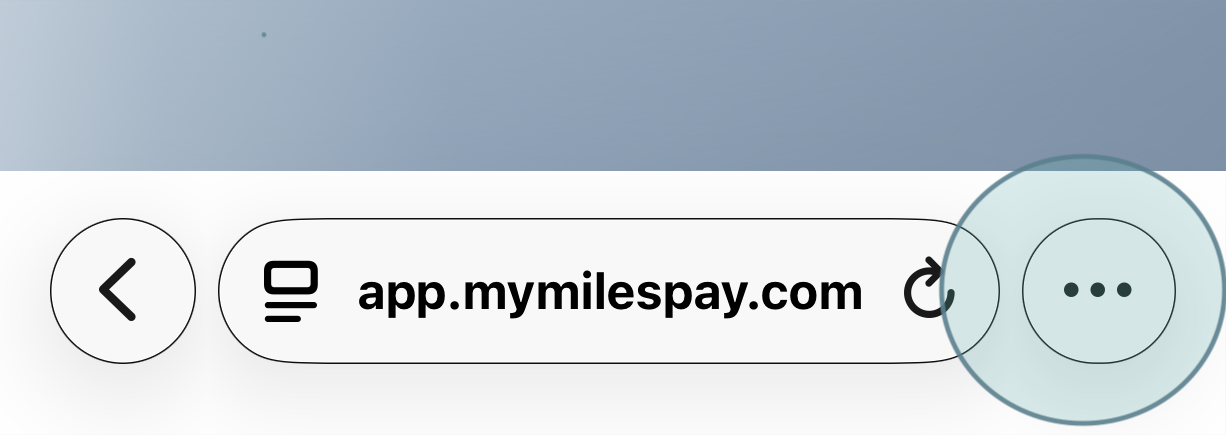
Tap the three-dot menu next to the address bar in Safari.
Step 3
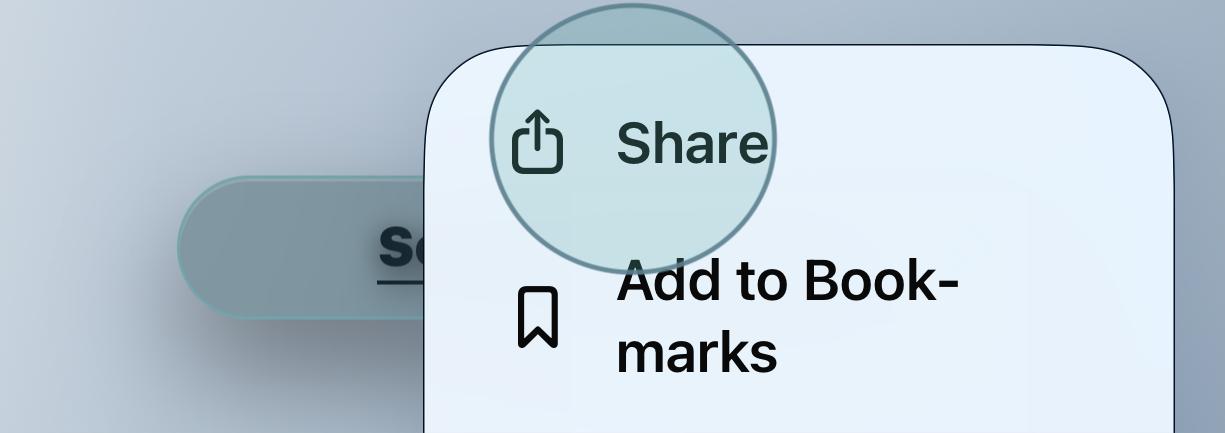
Tap "Share".
Step 4
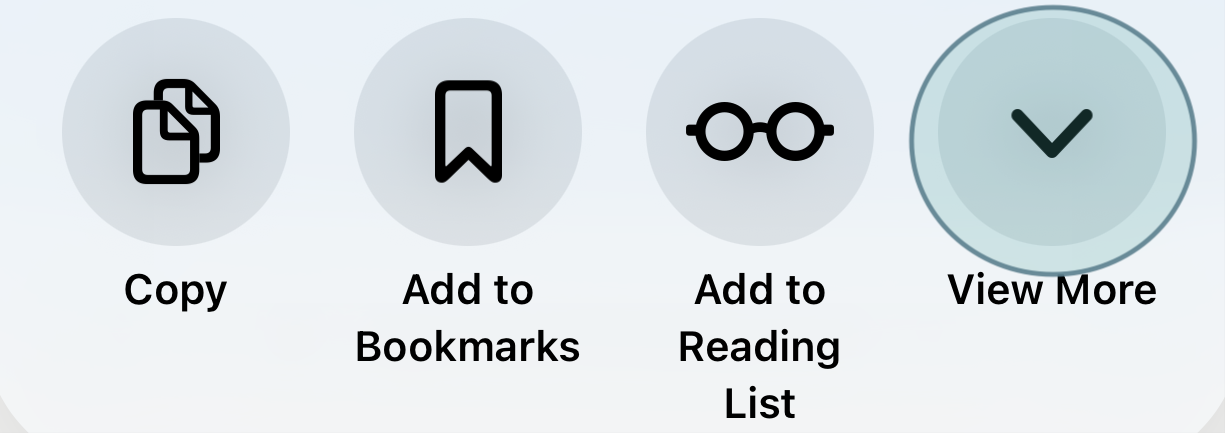
Tap "View More".
Step 5
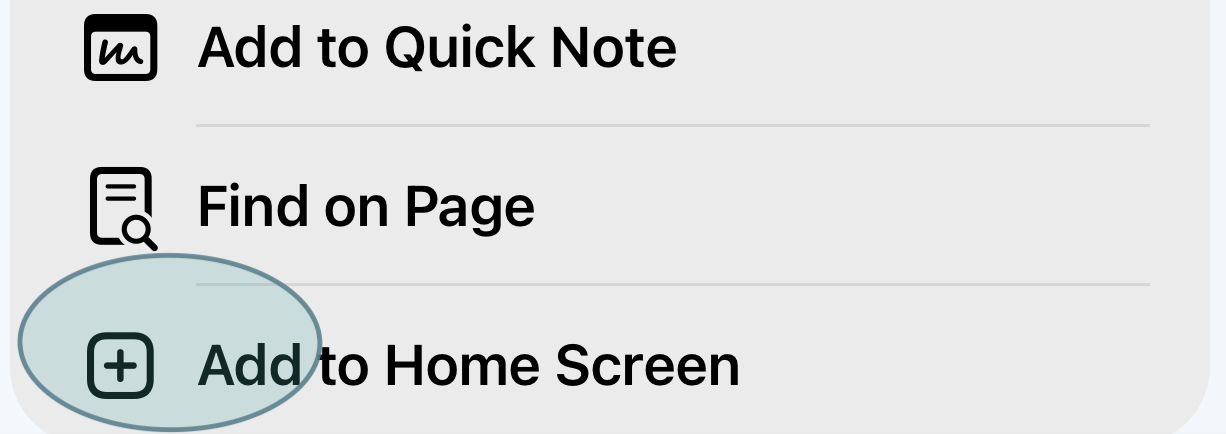
Tap "Add to Home Screen".
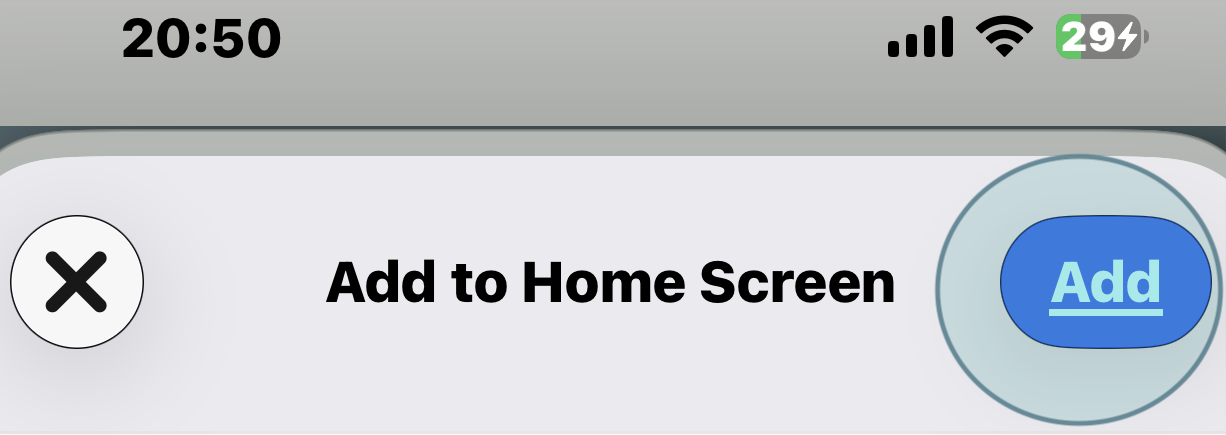
Step 6
Tap "Add" in the top-right corner.
Android (Chrome / default browser)
Step 1
Open your browser and go to:
Step 2
Open MilesPay in your browser (Chrome / Samsung Internet / default browser). If you see an “Install” (or “Open in app”) button at the top of the browser, tap it.
Step 3
If you don’t see the Install button, tap the menu (three dots ⋮ or “More”).
Step 4
Tap “Install app” (preferred) or “Add to Home screen”.
Step 5
Confirm by tapping “Install” or “Add”.